TikTok Favorites Remover
Bulk delete all your saved TikTok posts with UndoSocial’s TikTok Favorites Remover.
It automatically unfavorites each post, so you can skip opening videos one by one and tapping the bookmark icon.
Simply install the Chrome extension to get started.
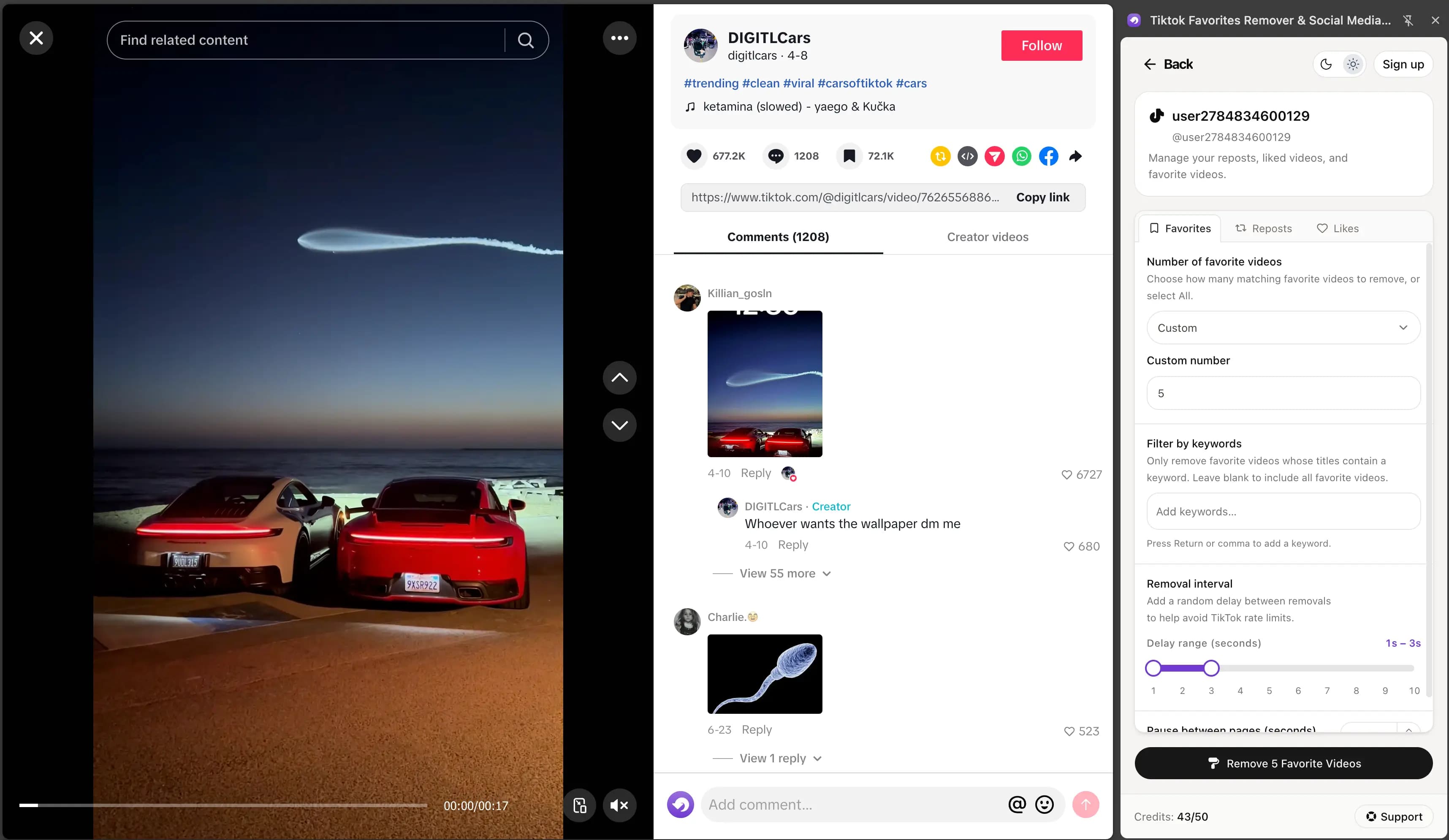
Remove Any Video From Your Favorites
The TikTok Favorites Remover works with every type of saved video, including deleted, private, or unavailable videos. As long as it still appears in your Favorites list, the extension can clear it.
Here’s how to get started:
- Install the Chrome extension.
- Select TikTok and sign in.
- Click Remove to start clearing your Favorites.
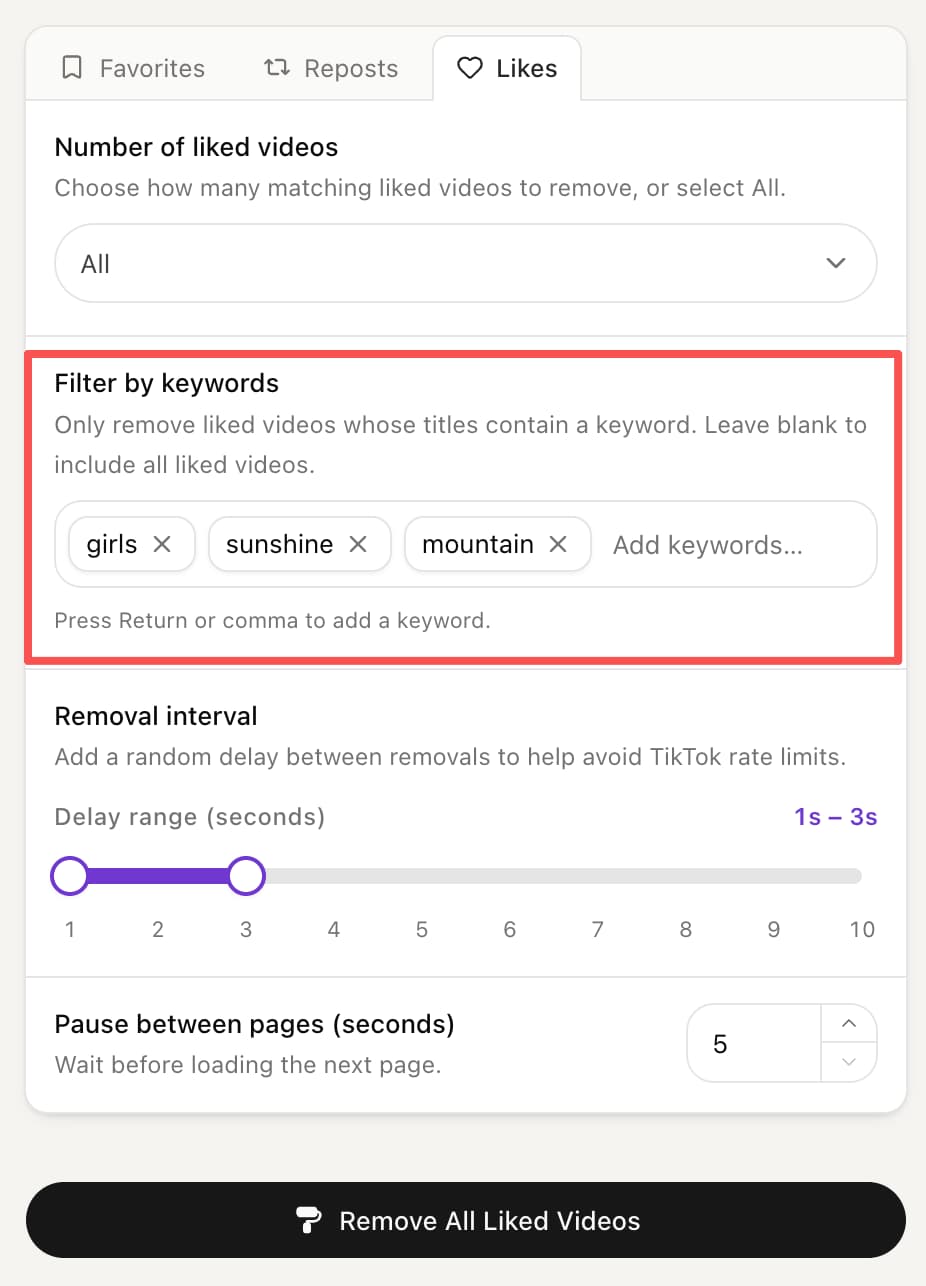
Keep The Favorites You Still Want
Enter one or more keywords, and the filter will find saved posts that contain them. You can then remove those matching Favorites while keeping everything else in your list.
The cleanup only affects your Favorites, so your likes and reposts stay right where they are.
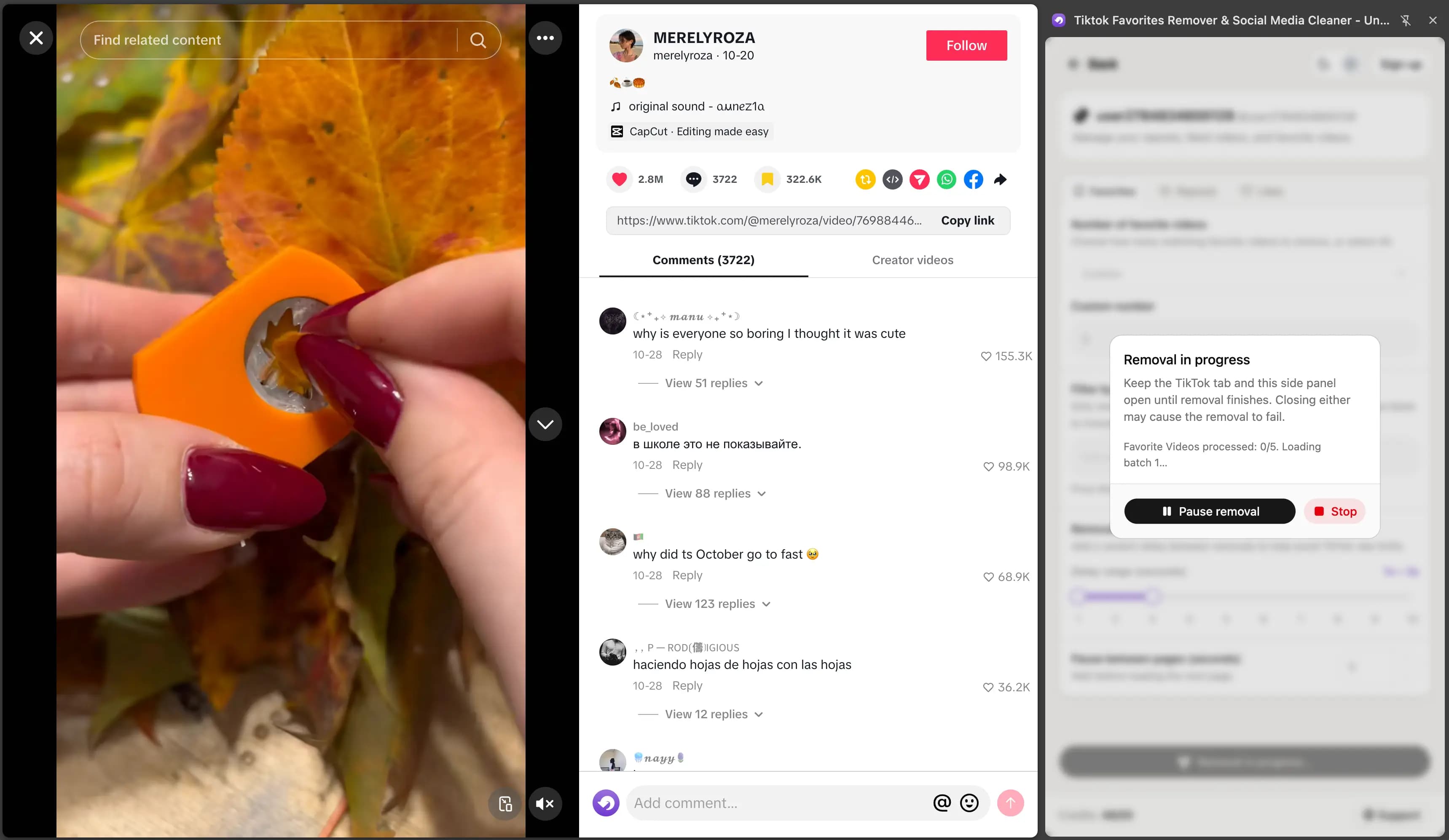
Watch Each Favorite As It’s Removed
Once the cleanup starts, you can watch each Favorite being removed. You can also pause or stop the process at any time, giving you control over the entire cleanup.
Keep the current TikTok tab and browser window open while it runs. The extension removes Favorites by simulating clicks in the active tab, so switching tabs or windows may interrupt the process. Please leave it open for a while and let the cleanup finish.

Keep A Record Of Removed Favorites
Once the cleanup is complete, a full list of removed Favorites will be available to download. You can use it to revisit and re-favorite posts you still want, or save it as a record of the cleanup.
Previous results are also available on the History page, making it easy to check what was removed later. Automatic history can be turned off anytime from the Settings page.
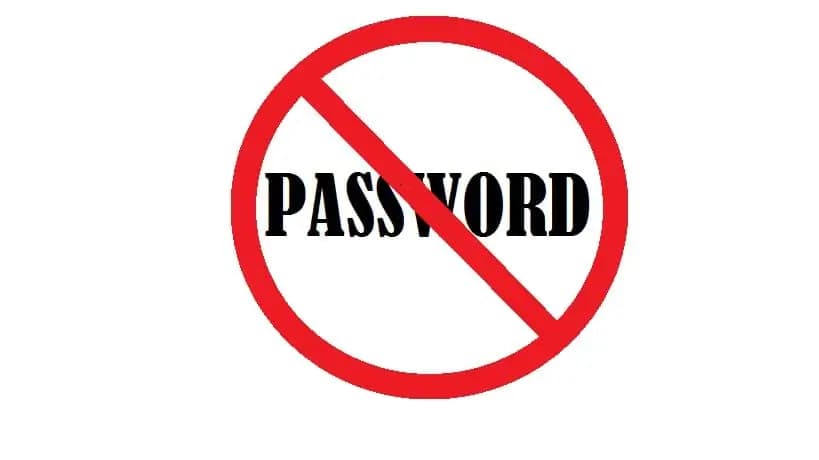
Remove Favorites Without Sharing Your Password
We never ask for or store your TikTok password. The extension only removes Favorites from the TikTok account currently signed in, leaving your other accounts untouched.
The free plan includes 50 credits and doesn’t require a separate account. Signing in adds another 100 credits, while Pro provides unlimited credits for larger cleanups.
Clear Out Your TikTok Favorites In One Go
Remove saved posts in bulk and keep the ones you still want, without opening every video one by one.